The UK's leading suppliers of Ex Military Vehicles and Equipment

MAN 18.225 4×4 Cargo Truck – (Latest-Stock)


You can view the items you want quotes on by clicking on the 'View Selected Items' button above


Post 50588
Ref: 50588

Ask a question...


Vehicles advertised are subject to remaining unsold

Important! - An export licence may be required for items sold to customers outside of the U.K.

Follow us on Facebook at https://www.facebook.com/modnatodisposals

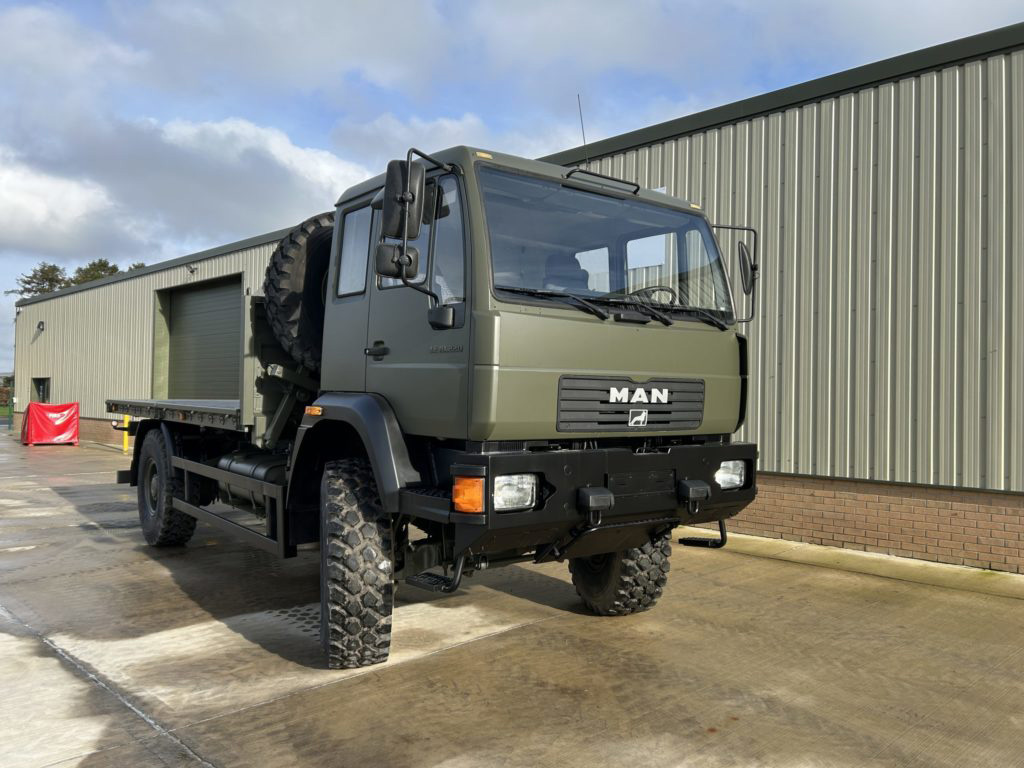
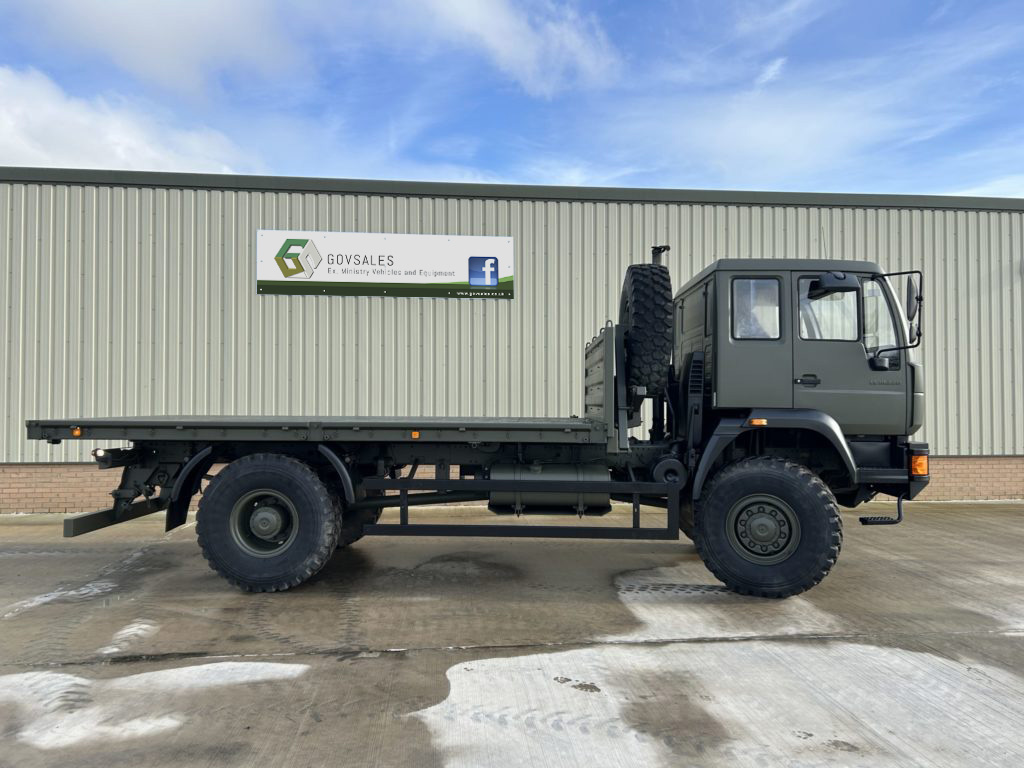
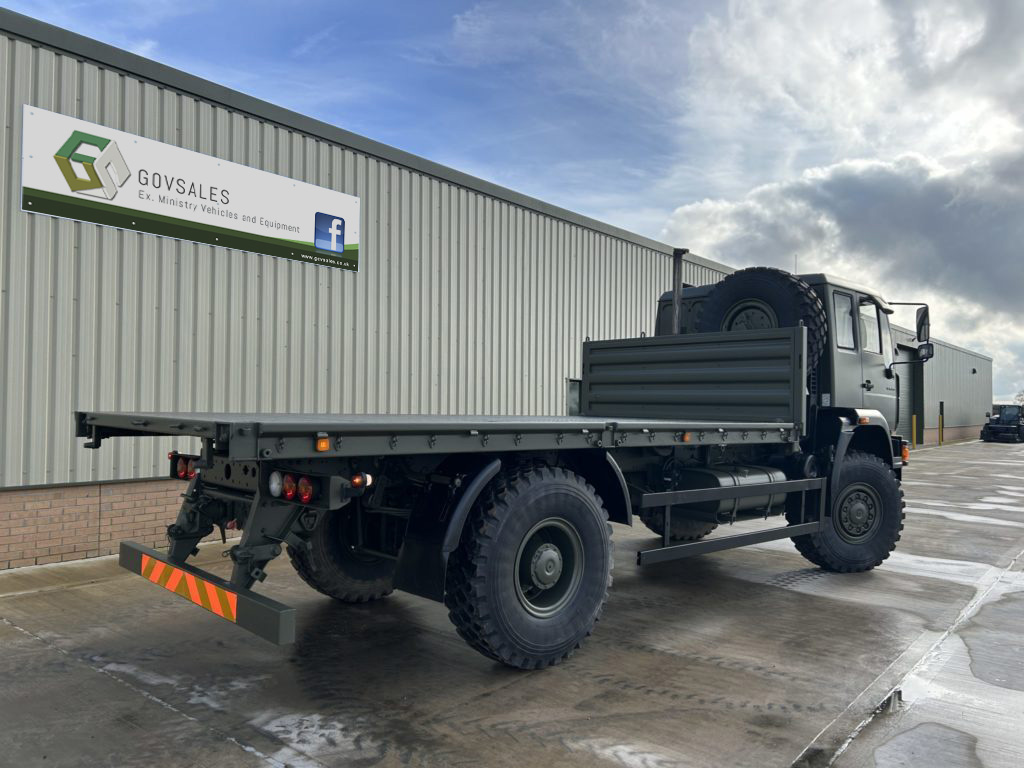
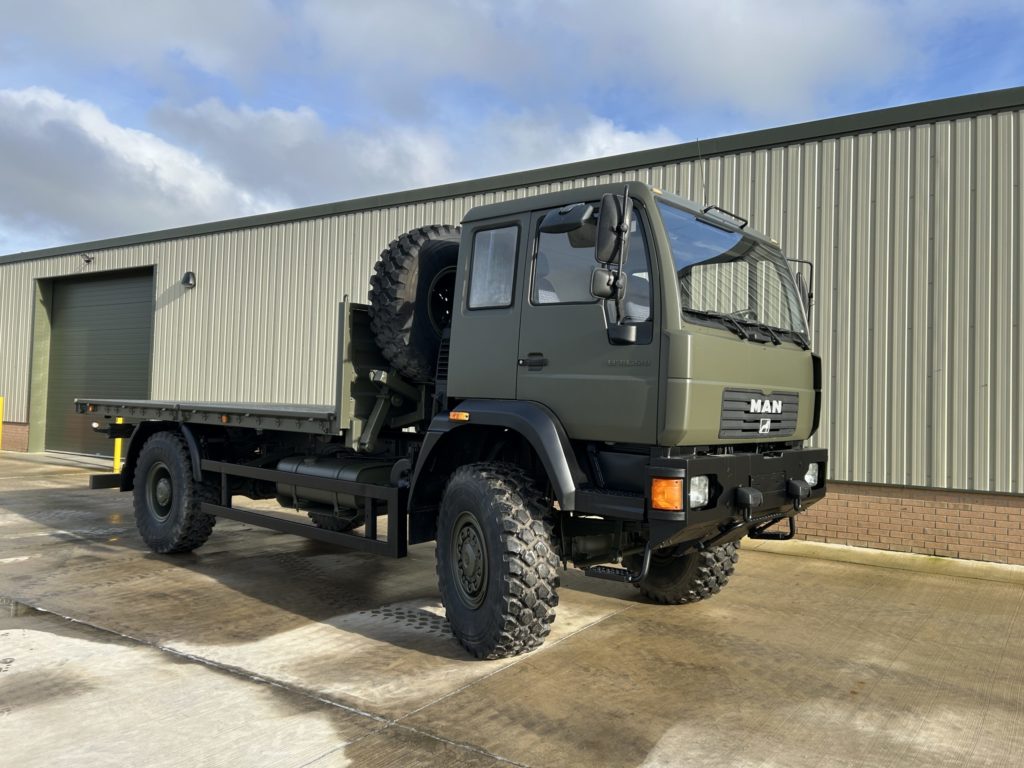
MAN 18.225 4x4 Cargo Truck

The UK's leading suppliers of Ex Military Vehicles and Equipment


Add to Quote (if selecting multiple items)
MAN 18.225 4x4 Cargo Truck
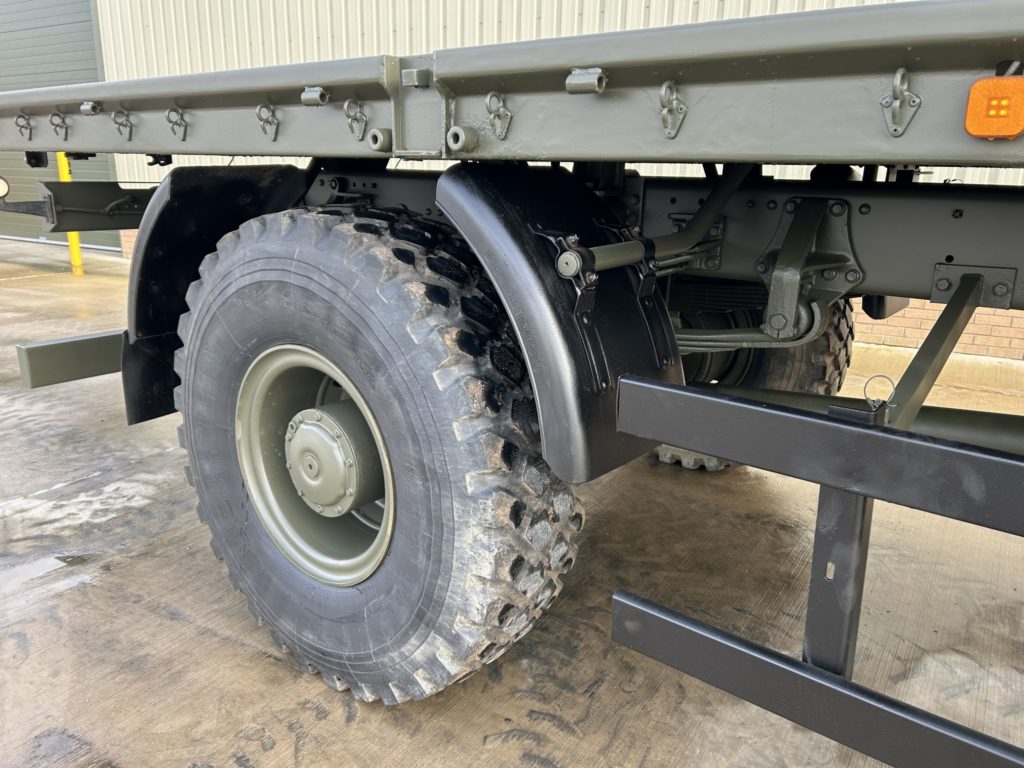
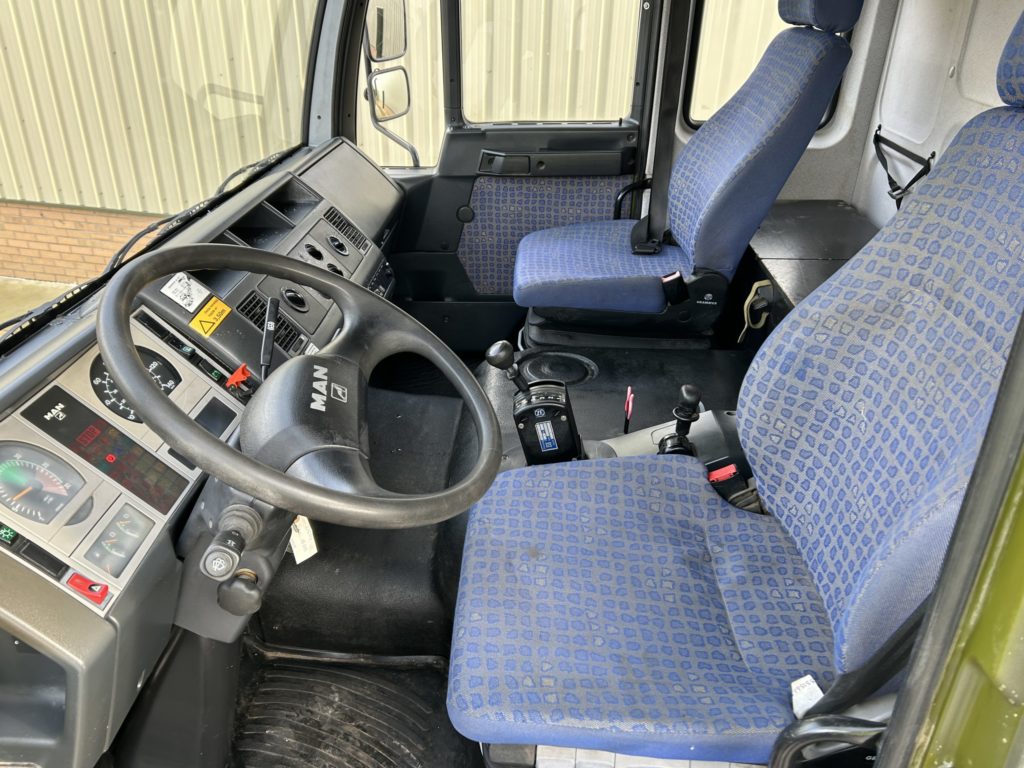
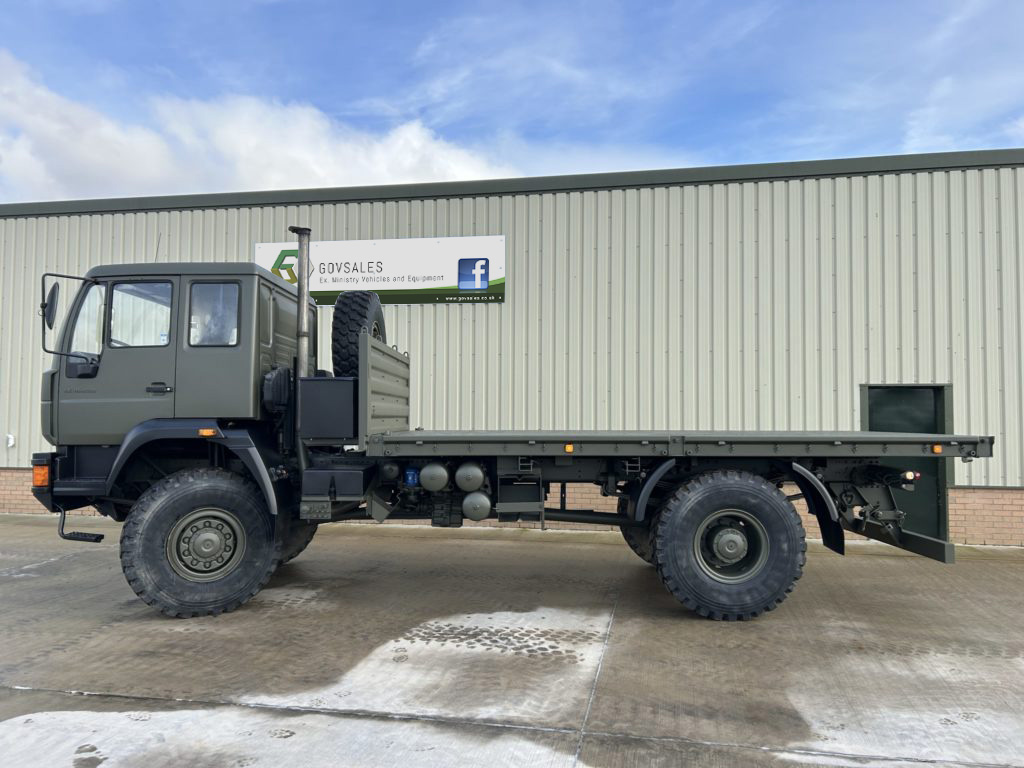
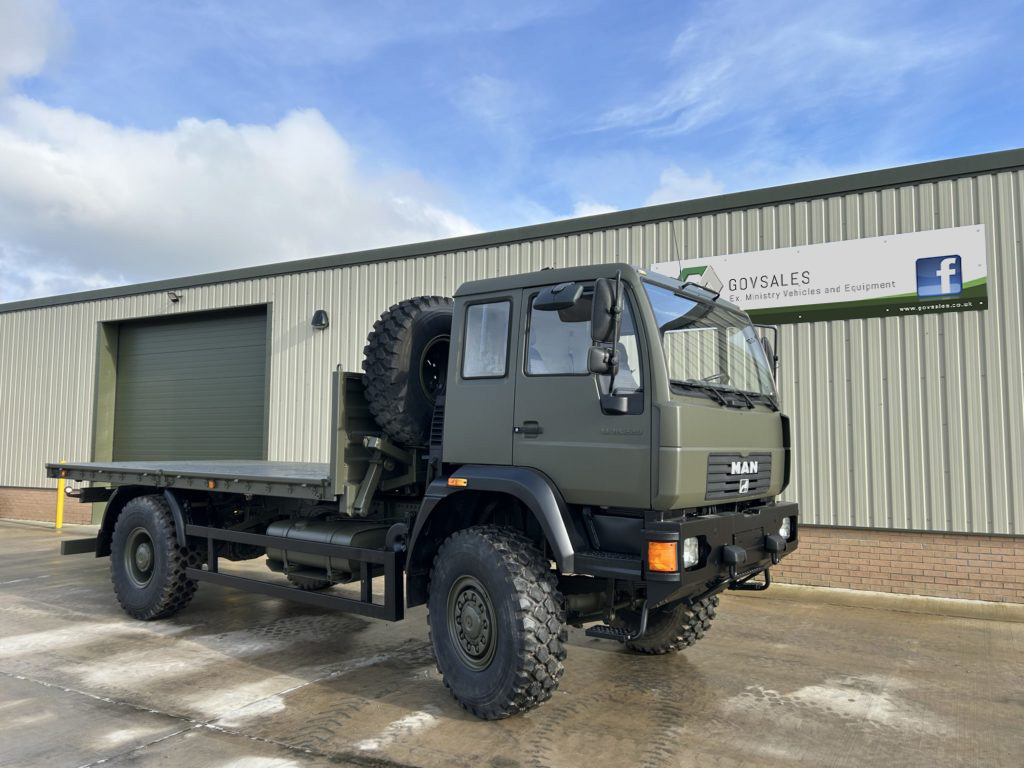
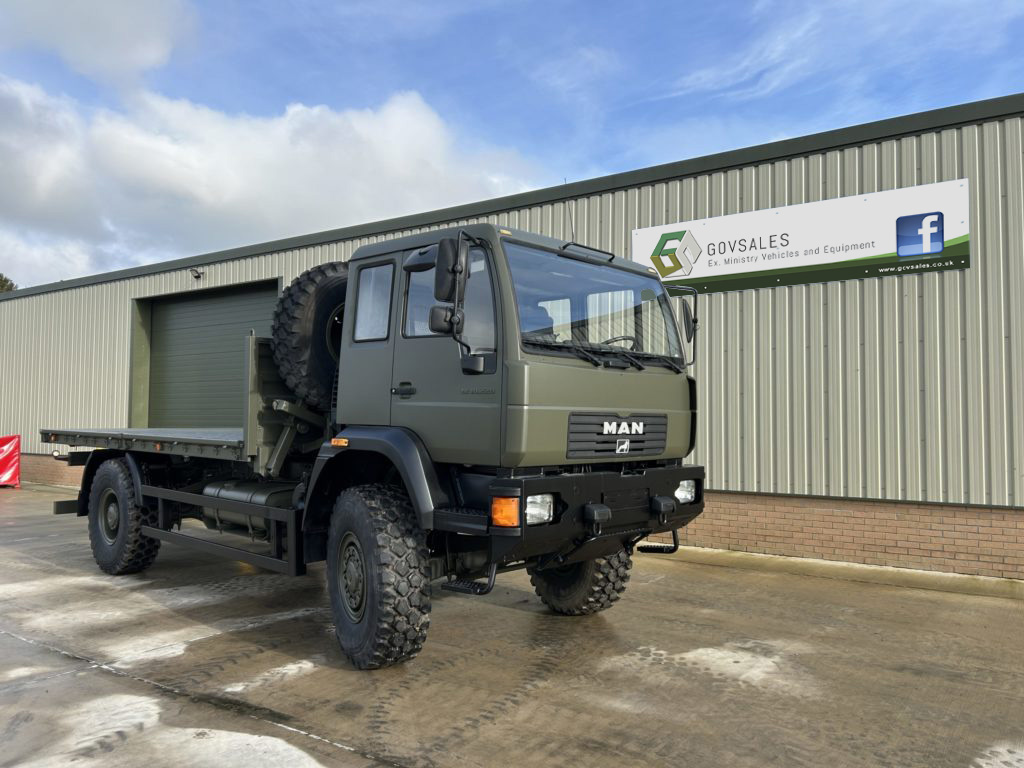
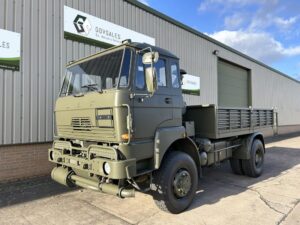
MAN 18.225 4x4 Cargo Truck Direct from the military this is one of the latest in service vehicles available which has just been released.
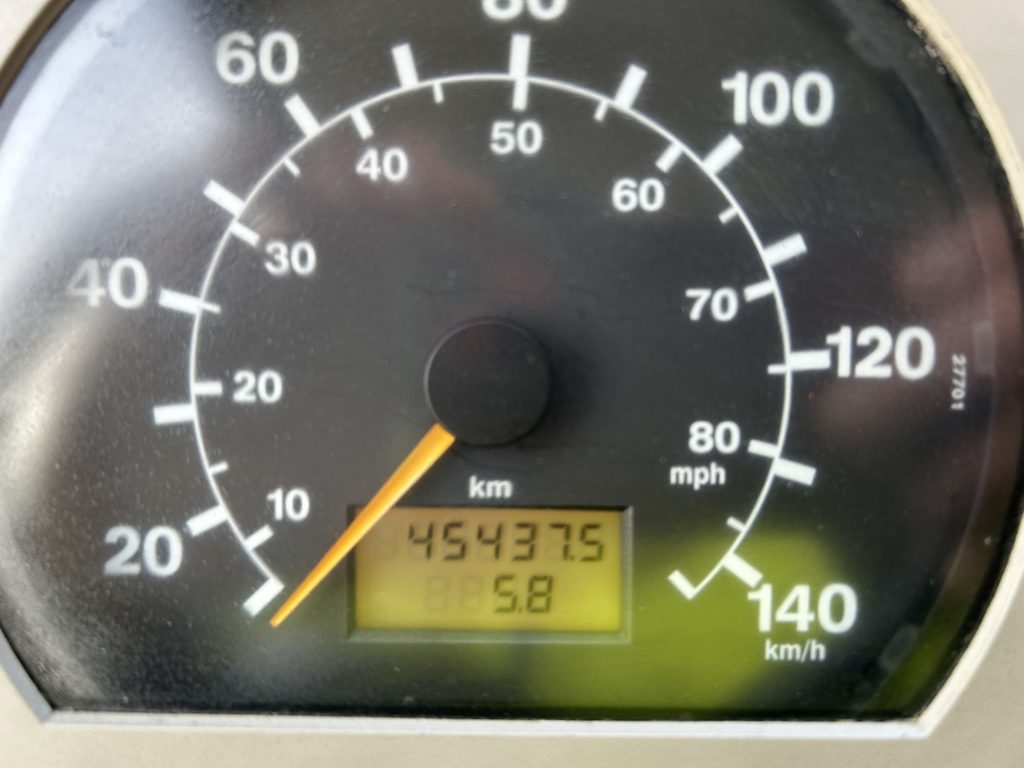
45,437 Kilometres
16FT ISO Container twist locks
Front and rear independent differential locks
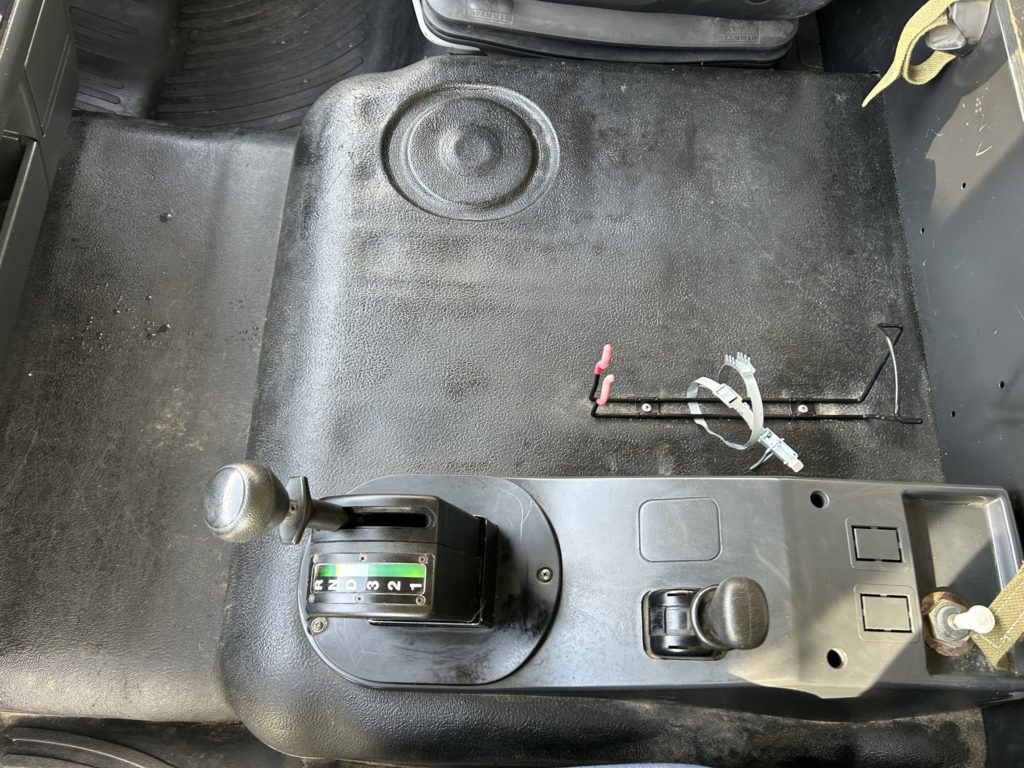
Automatic transmission
Gross Weight 16,500Kg
Gross combination weight 28,000 Kg
Axle 1: 7,500 Kg
Axle 2: 9,000 Kg
Excellent condition
Specifications
Category Cargo Trucks
Manufacturer MAN
Engine MAN 6 cylinder D0836 LFL02, 6.871 cm3
Gearbox
Brakes
Steering
Maximum Load 16,000 Kg
Electrics 24 volt
L x W x H L:8.10M x W:2.50M x H:3.40M
Gross Weight 16,500 Kg
Date into Service
Year of Manufacture 2004
Hours / Mileage 45,437 Kilometres
Quantity Available 1
Export Requirements SIEL
Condition Report
We offer vehicles either:
  • As received from the relevant MoD with a workshop check to make sure it runs and drives but no reparatory works (AS IS) or
  • Fully prepared including servicing of all major components and a fresh coat of paint (PREPARED)
Delivery & Export

Worldwide delivery available.

Any item which is military by design or has component parts designed for military use will require an export license to be applied for if being exported from the United Kingdom,

Request a Quote (if only selecting this item)
Add to Quote (if selecting multiple items)

You can check your list of selected vehicles you want a quote on by clicking on the 'View Selected Items' button above before clicking on 'Send Request'


Print page inc. gallery


Help


Add to quote
  • Click the check box to add a selection to your list of items you want a quote for, the item will be highlighted and - ADDED will be displayed
  • You can change pages within the site and even close the browser, our site will remember your selection as long as you do not clear the cache.
  • You can remove an item at any time by unchecking it or selecting the View Selected Items button (see below)

Back Button
  • This button will take you to the previous page viewed

Send Request Button
  • This button will open your default mail software *Outlook, Gmail etc.) We do not ask for, or store personal information via our website
  • It will populate the Subject and body of the email with the items you have selected and want a quote on
  • After opening, all you have to do is press SEND

View Selected Items Button
  • This button will show the number of items selected on any given page it is shown
  • Pressing the button will open or close a drop down list of items you currently have selected
  • You can delete one or more items by clicking the red X next to each item

Clear Button
  • This button will clear all the current items selected for a quote

Search
  • Visitors can search by entering the item reference number or the description of the item being sought
  • As you type our site will start looking for matches and display them in a drop down menu
  • Visitors can click on an item as it drops down or press [Search] or press the [RETURN] key to display all items matching the search criteria
  • Useful hint: If you search for MOD it will bring up every item of stock on one scrollable page - DO NOT attempt to select everything, there is a maximum of 25 items allowed on any given search
  • If you cannot find what you are looking for then please feel free to call us on +44 (0)1302-954007 and ask one of our staff who will be happy to help you.