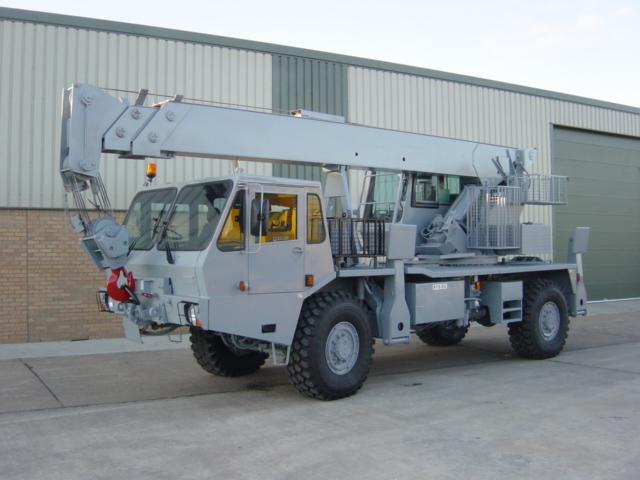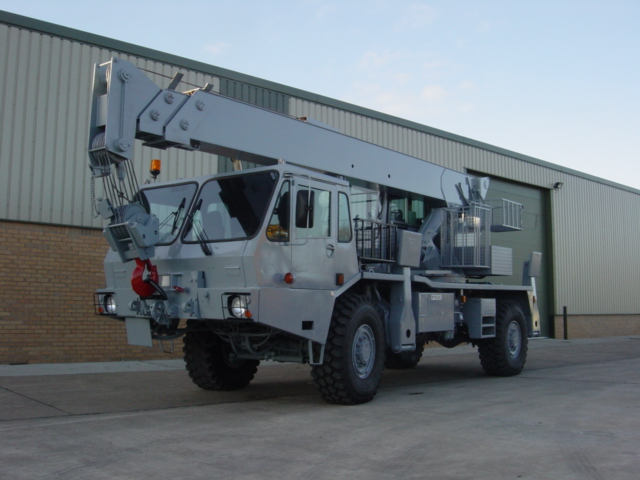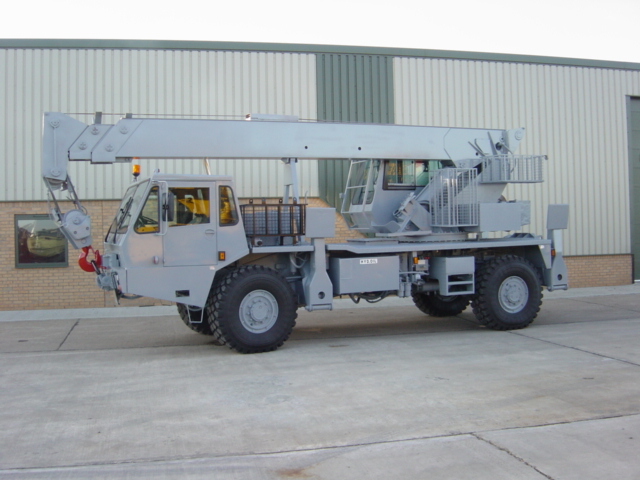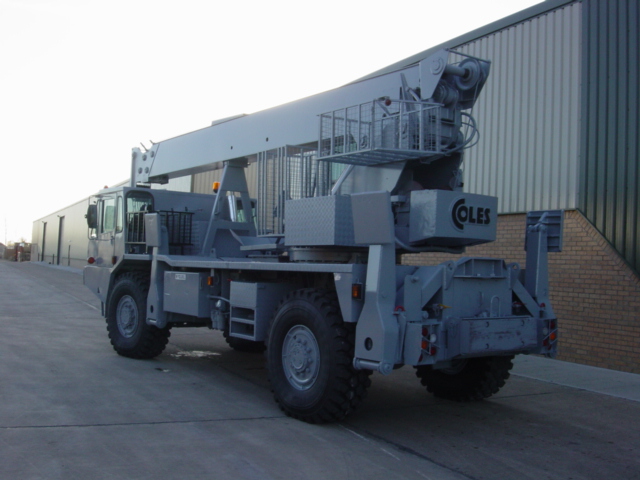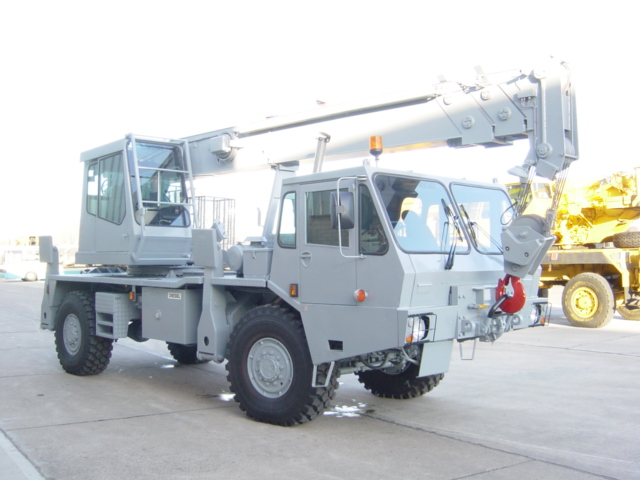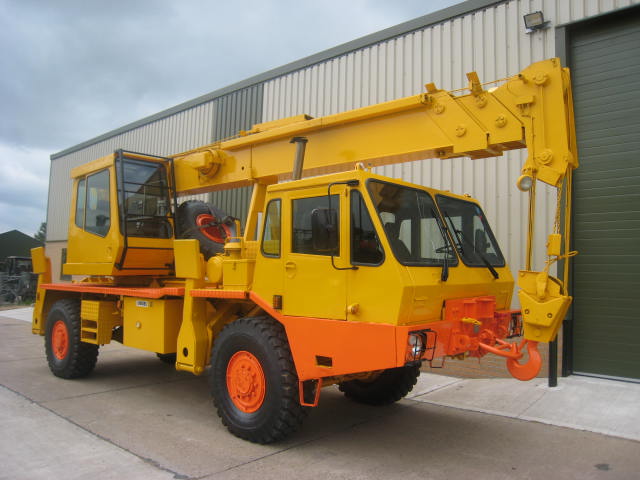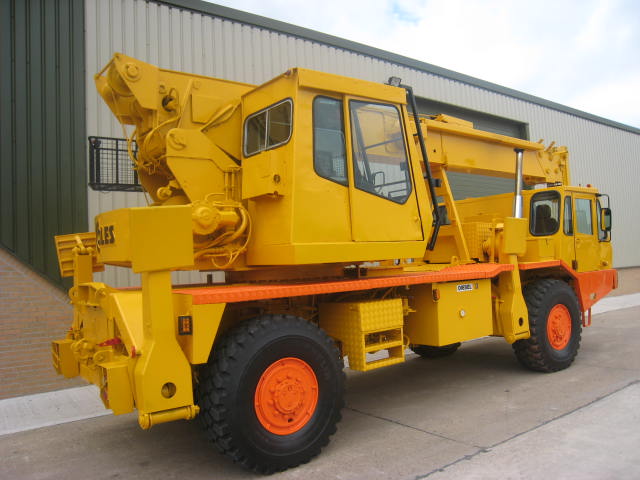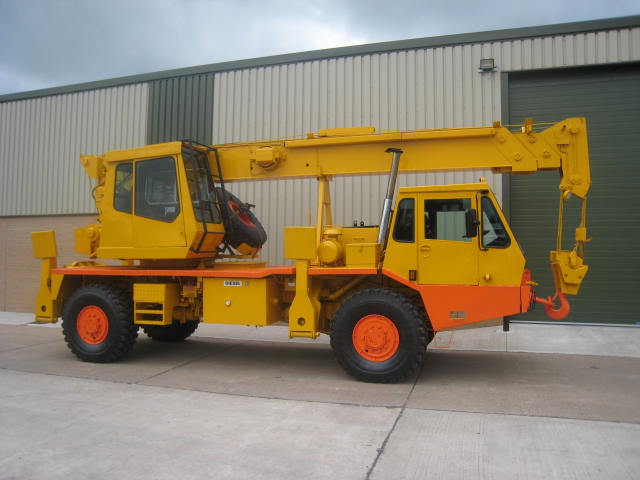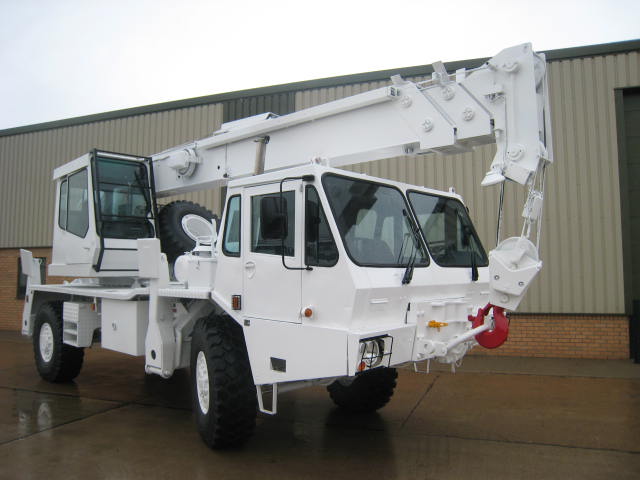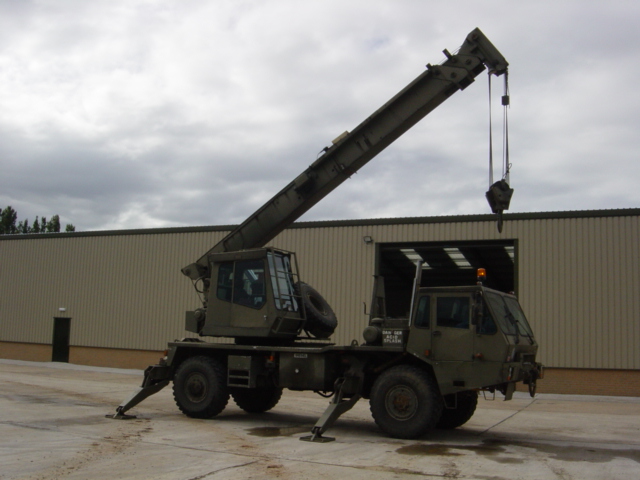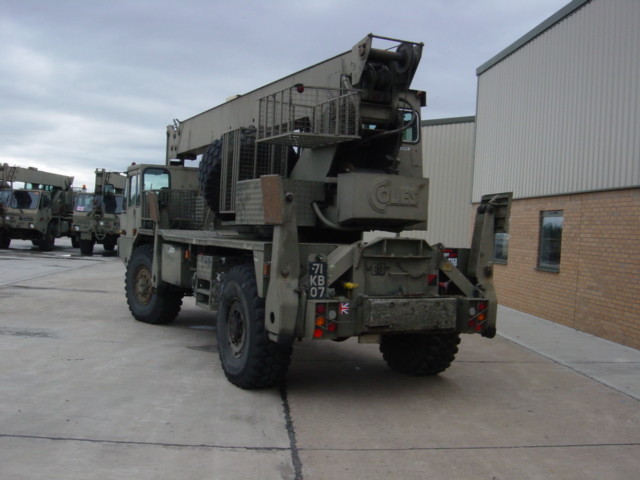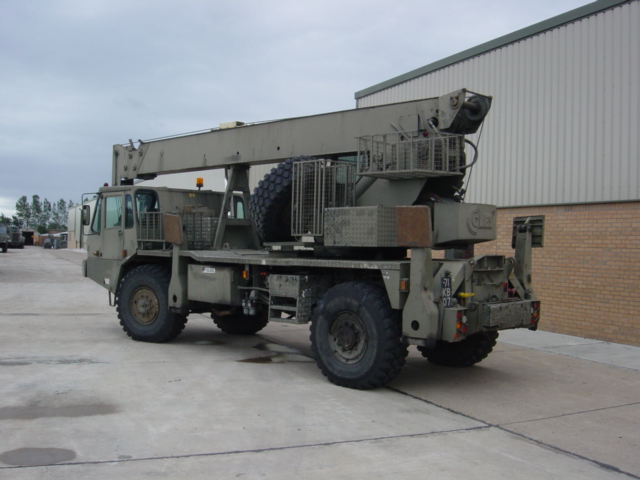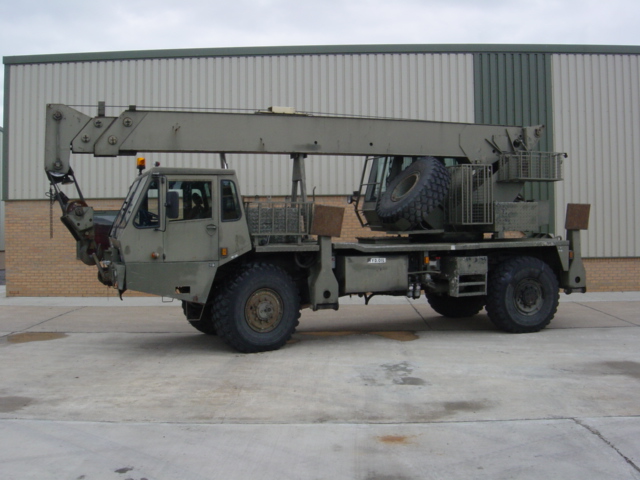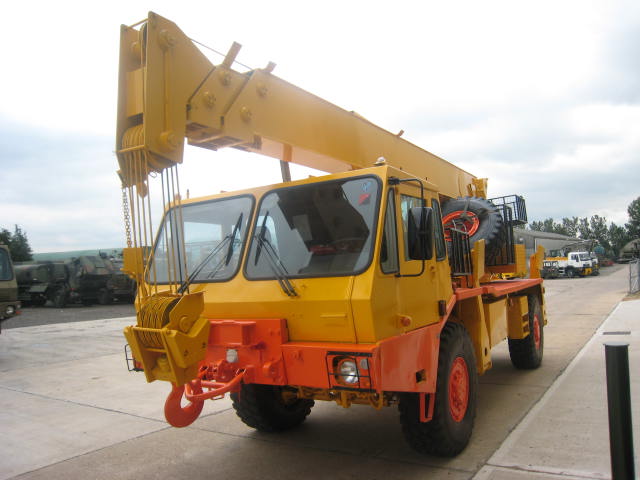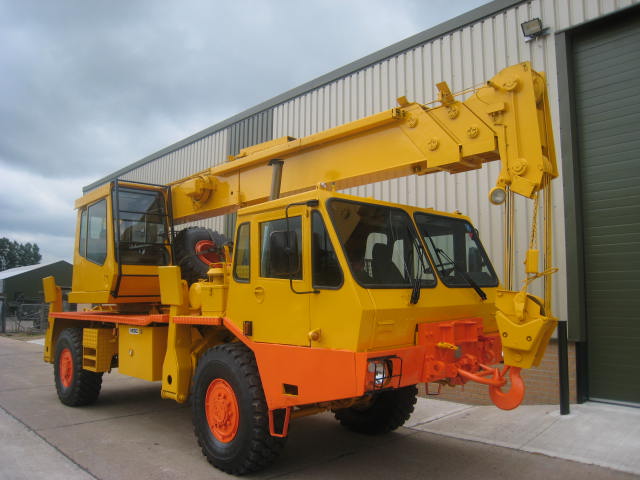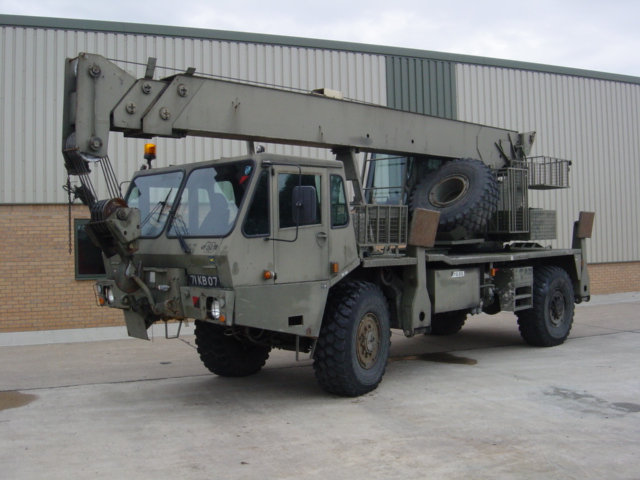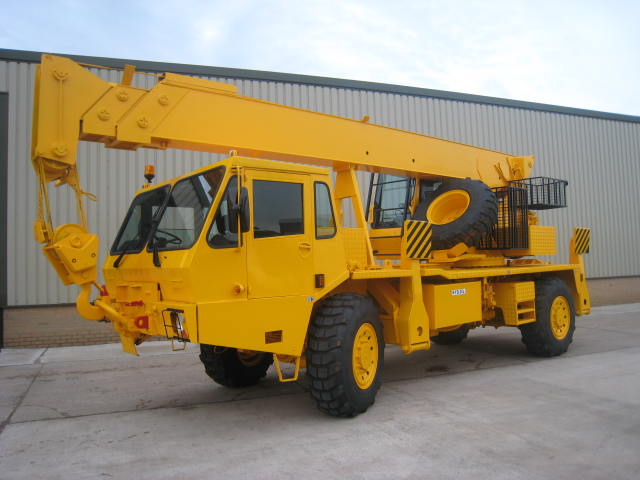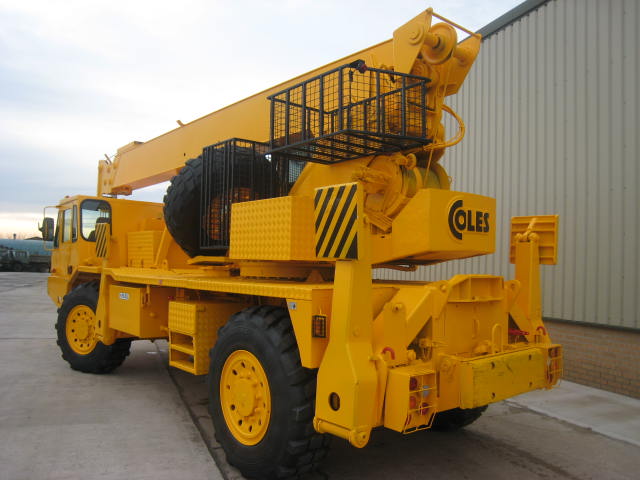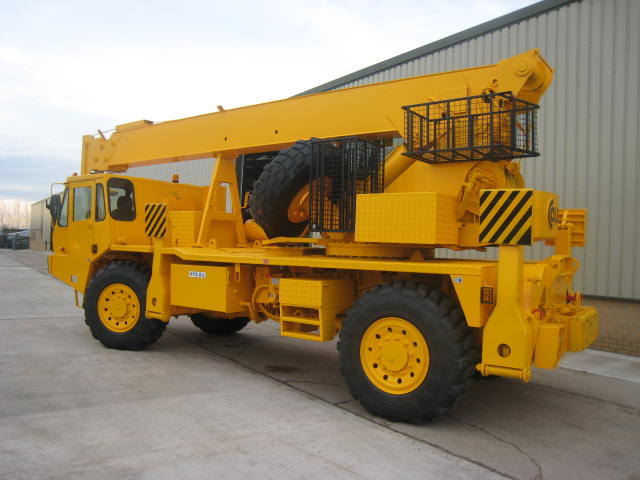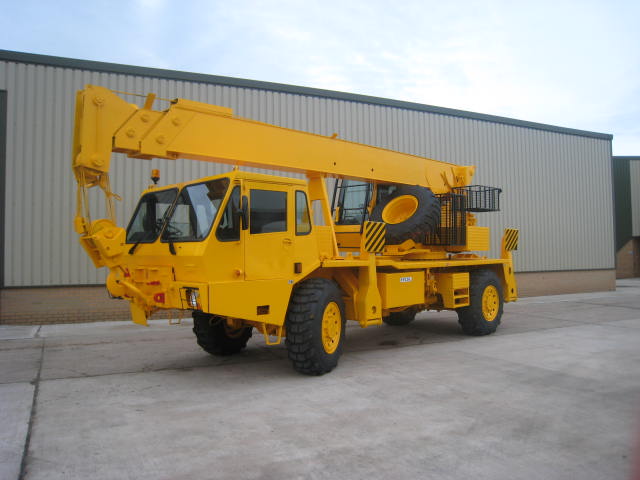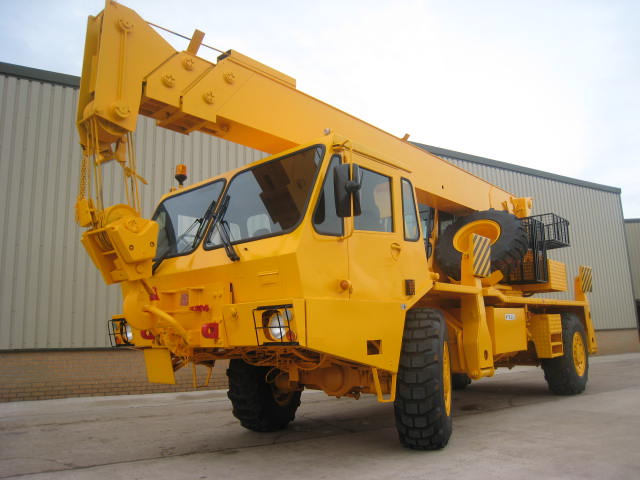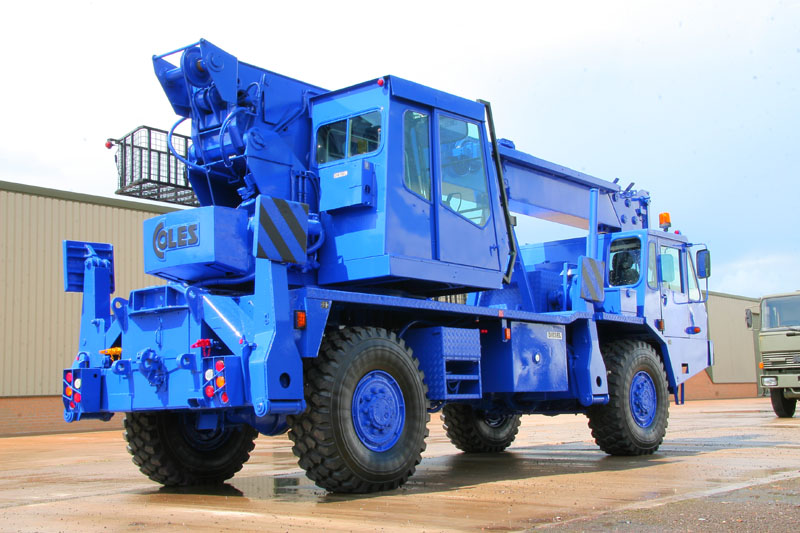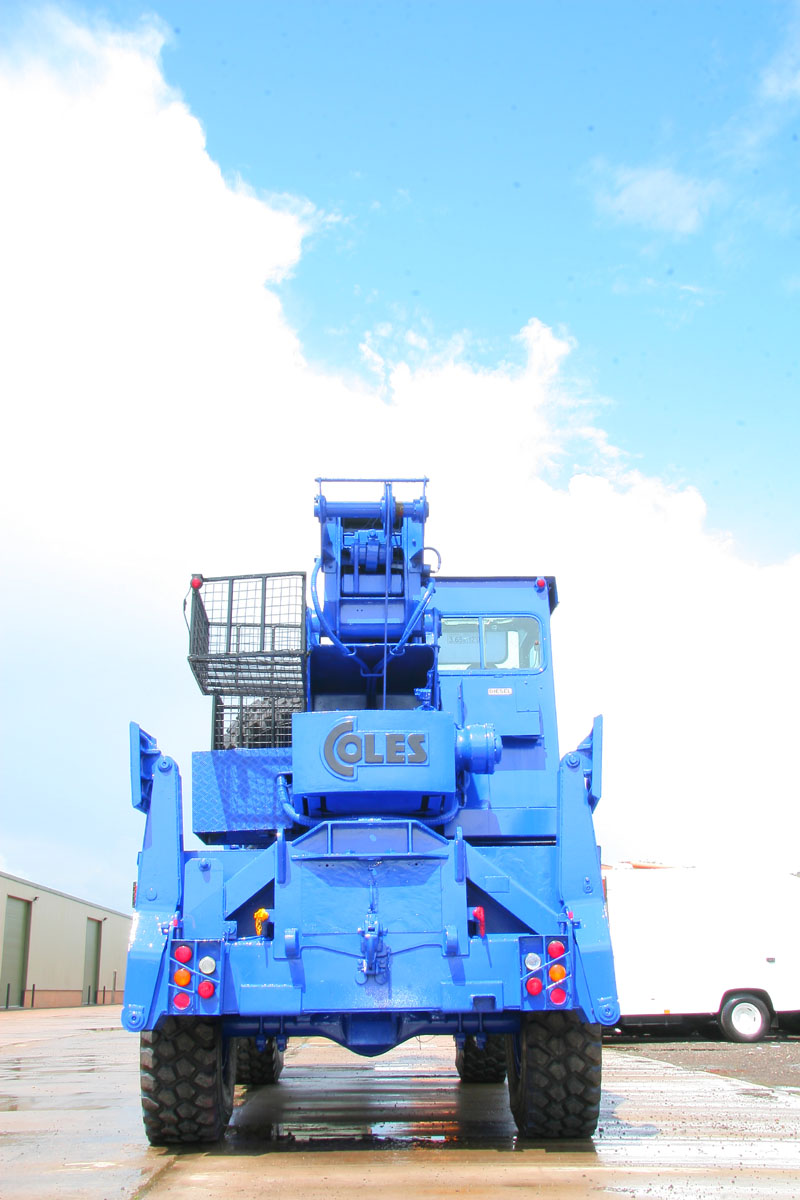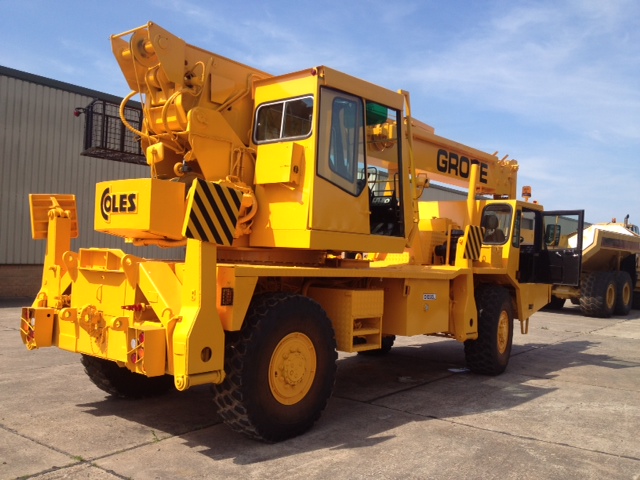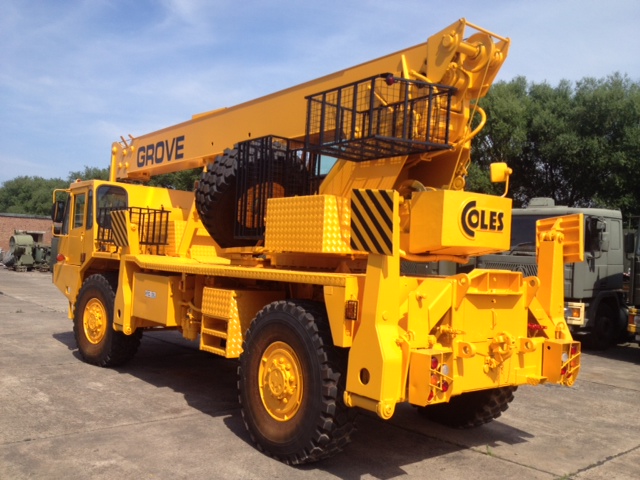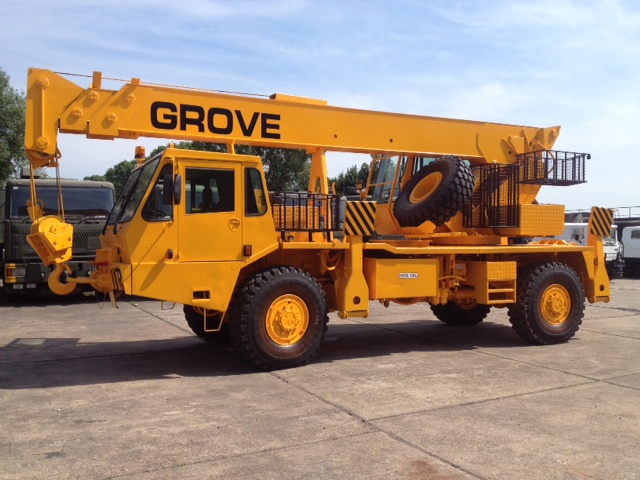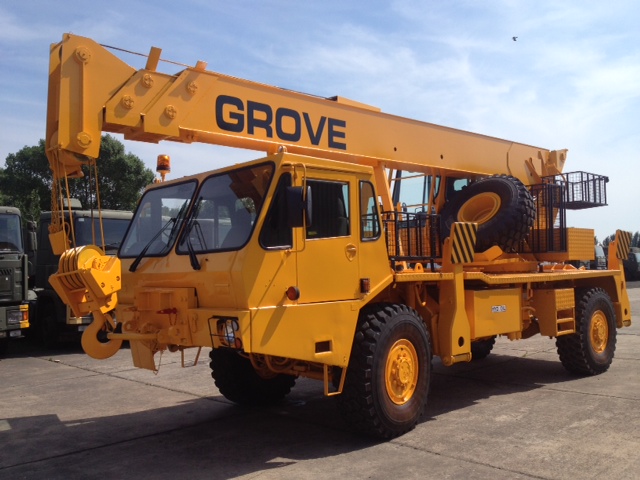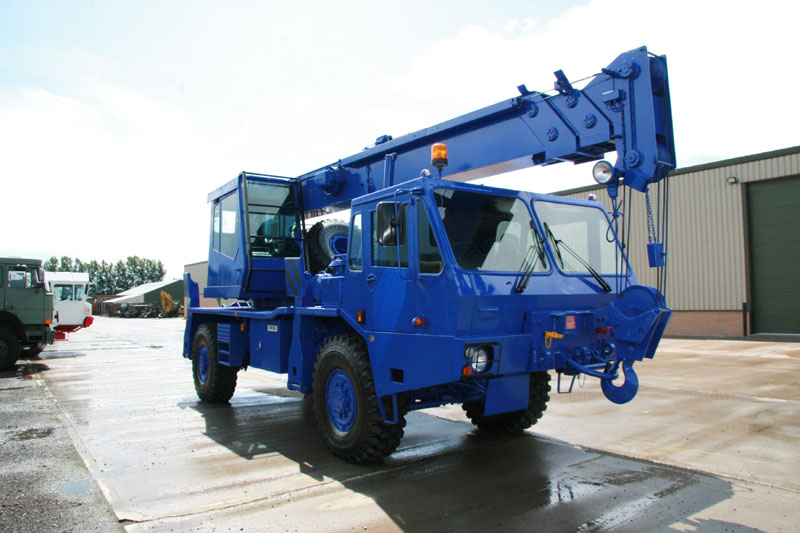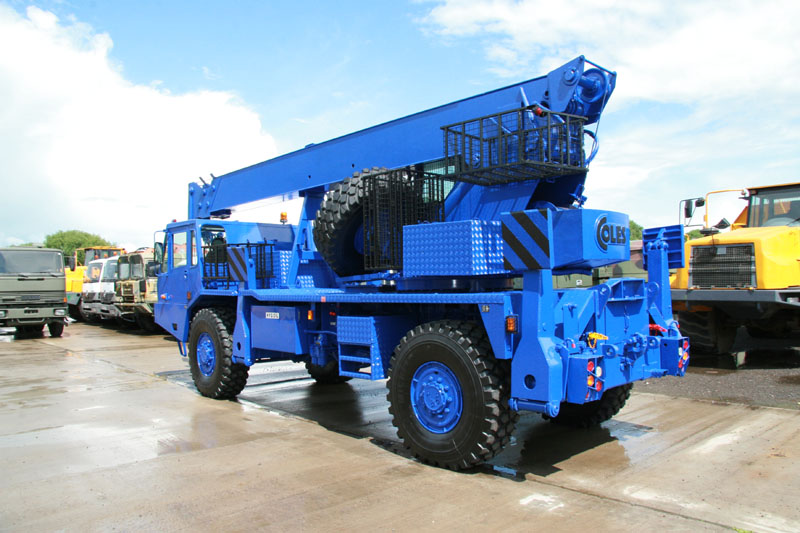
Grove 315M 4×4 all terrain 18 ton crane
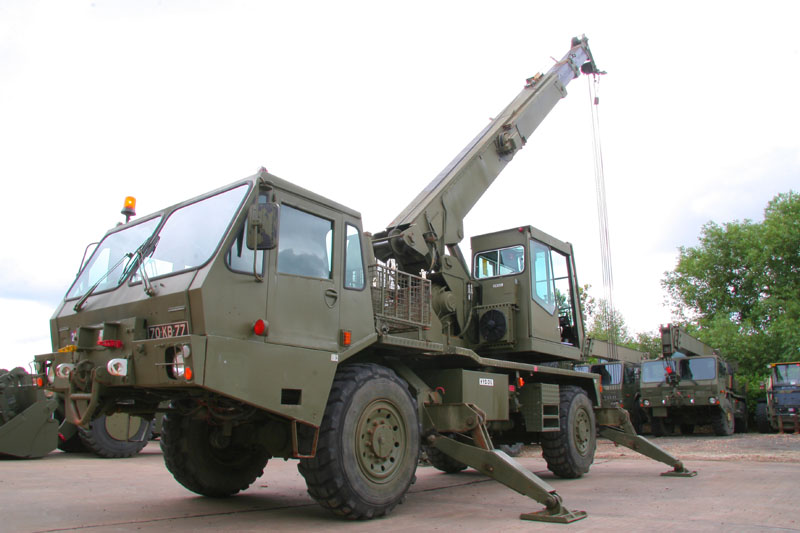
Grove 315M 4x4 all terrain 18 ton crane
Product reference 11728

Rebuilt by Grove in 1997.
Upgraded to 3 section jib.
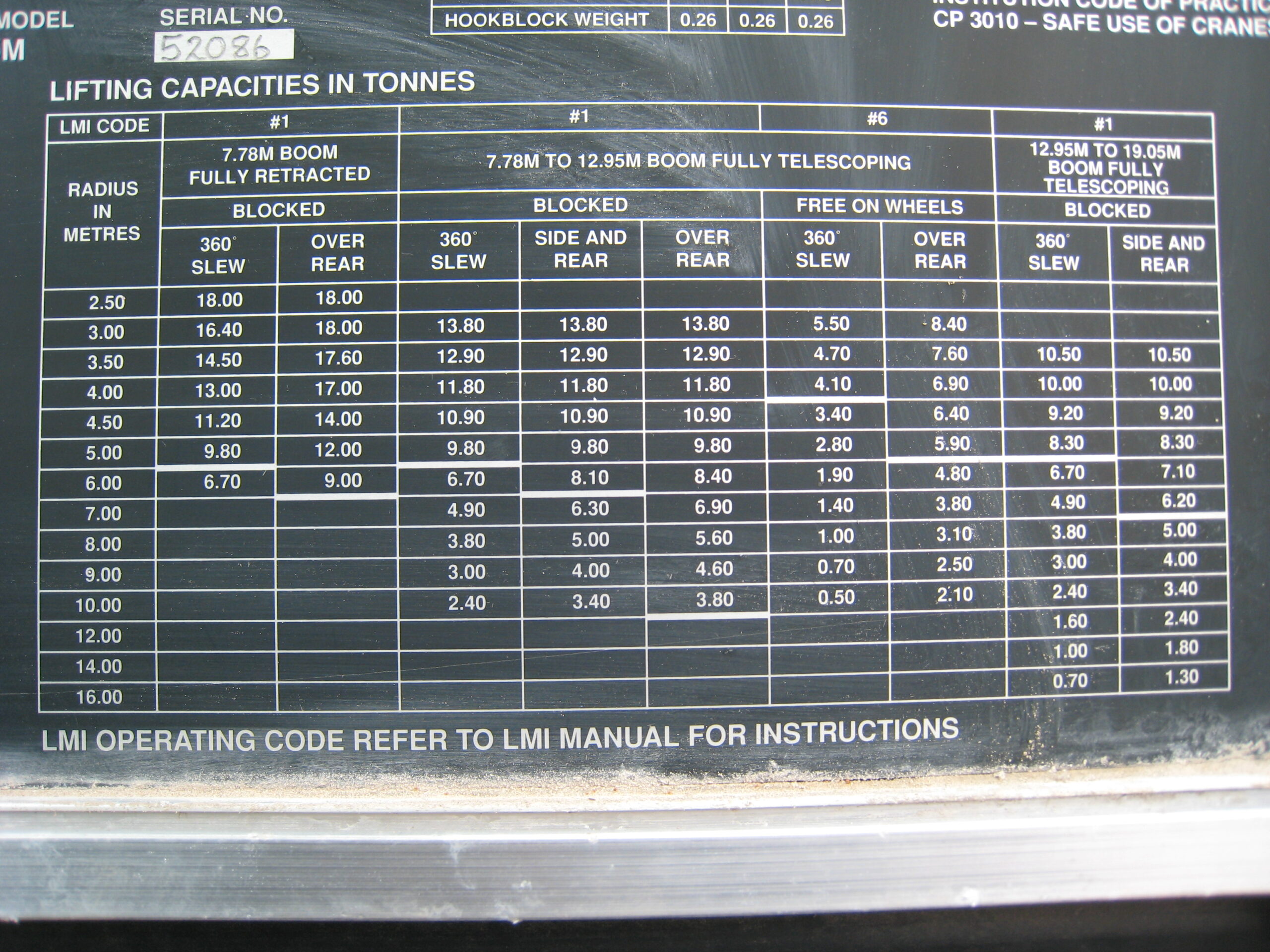
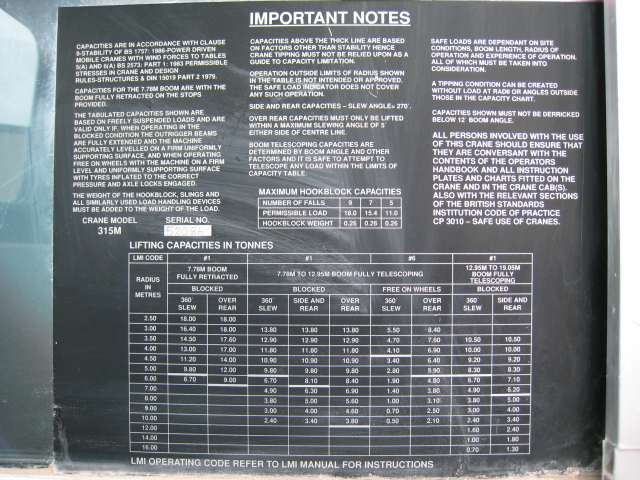
Max load of 18,000kg
PAT weigh load system
RHD carrier, can be driven from crane operators cabin.
Condition is excellent - ex reserve stocks.
| Category | Cranes |
| Manufacturer | Grove |
| Engine | Cummins V555C diesel engine 196HP |
| Gearbox | Alison power shift automatic |
| Brakes | Air over hydraulic |
| Steering | PAS - RHD |
| Maximum Load | 18,000kg |
| Electrics | 24 volt |
| Length × Width × Height | L: 10.0m × W: 2.50m × H: 3.60m |
| Gross Weight | 22,000kg |
| Date into Service | 1995 |
| Year of Manufacture | |
| Hours / Mileage | 400 - 1,500hrs |
| Quantity Available | 15 |
| Export Requirements | OGEL/SIEL Licence Required |
We offer vehicles in the following conditions:
- As received from the relevant MoD with a workshop check to make sure it runs and drives, but with no reparatory works. (AS IS)
- Fully prepared, including servicing of all major components and a fresh coat of paint. (PREPARED)
Try our new RAL Colour Selector Tool by CLICKING HERE
Worldwide delivery available.
Any item which is military by design or has component parts designed for military use will require an export licence to be applied for if being exported from the United Kingdom. For details on export licencing go to: Our Export Licencing Assistant
Add This Item to Your Quote Request
Select this item if you want to request quotations for multiple vehicles or items together.
You can review all selected items using the View Selected Items button at the top of this page before selecting Send Request.

Ask a Question
Tell us how we can be of assistance. Selecting Submit will open your default email application with your enquiry prepared for you.
An export licence may be required for items sold to customers outside of the U.K. Visit our EXPORT LICENCE ASSISTANTS PAGE
The UK's leading suppliers of Ex Military Vehicles and Equipment